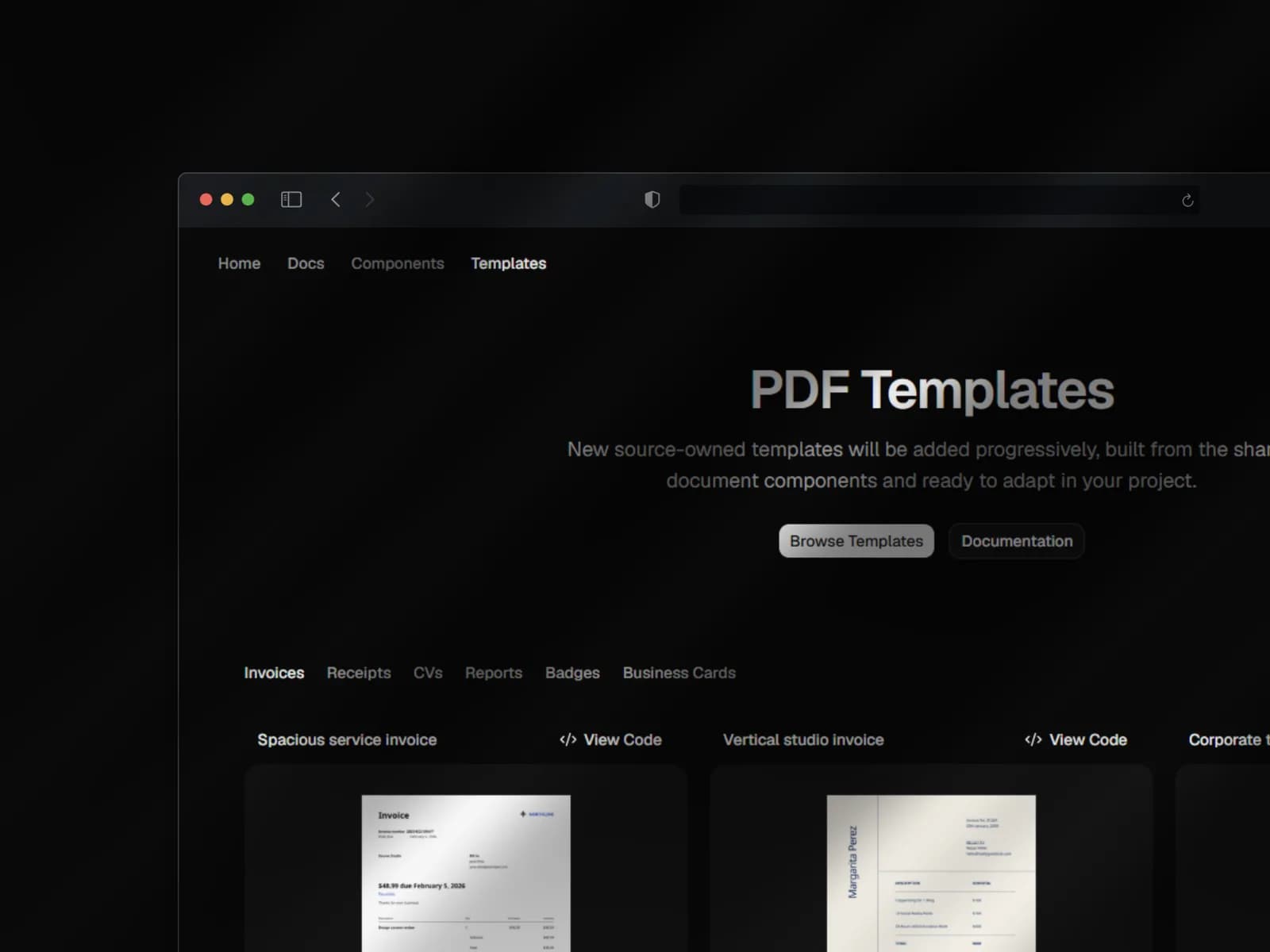
Why docn-ui exists
Creating a polished PDF was a recurring burden in my team. The work often went to the few developers with a stronger design sensibility, because assembling a document was much less straightforward than building a sober interface with modern UI components.
I built docn-ui alone to close that gap: an open-source collection of PDF components and templates for developers who already use shadcn. The goal was simple—combine distinct building blocks and reach a convincing result without redesigning every document from scratch.
A registry, not another package
The registry is not a wrapper around website components. It distributes PDF-specific source backed by @react-pdf/renderer, with validated formats, local fonts, and separate browser and Node rendering adapters.
- Choose a component or template from a catalogue built from real PDF previews.
- Install its bounded source and dependencies with the official shadcn CLI.
- Compose validated data locally, render the PDF, then inspect or download the same generated bytes.
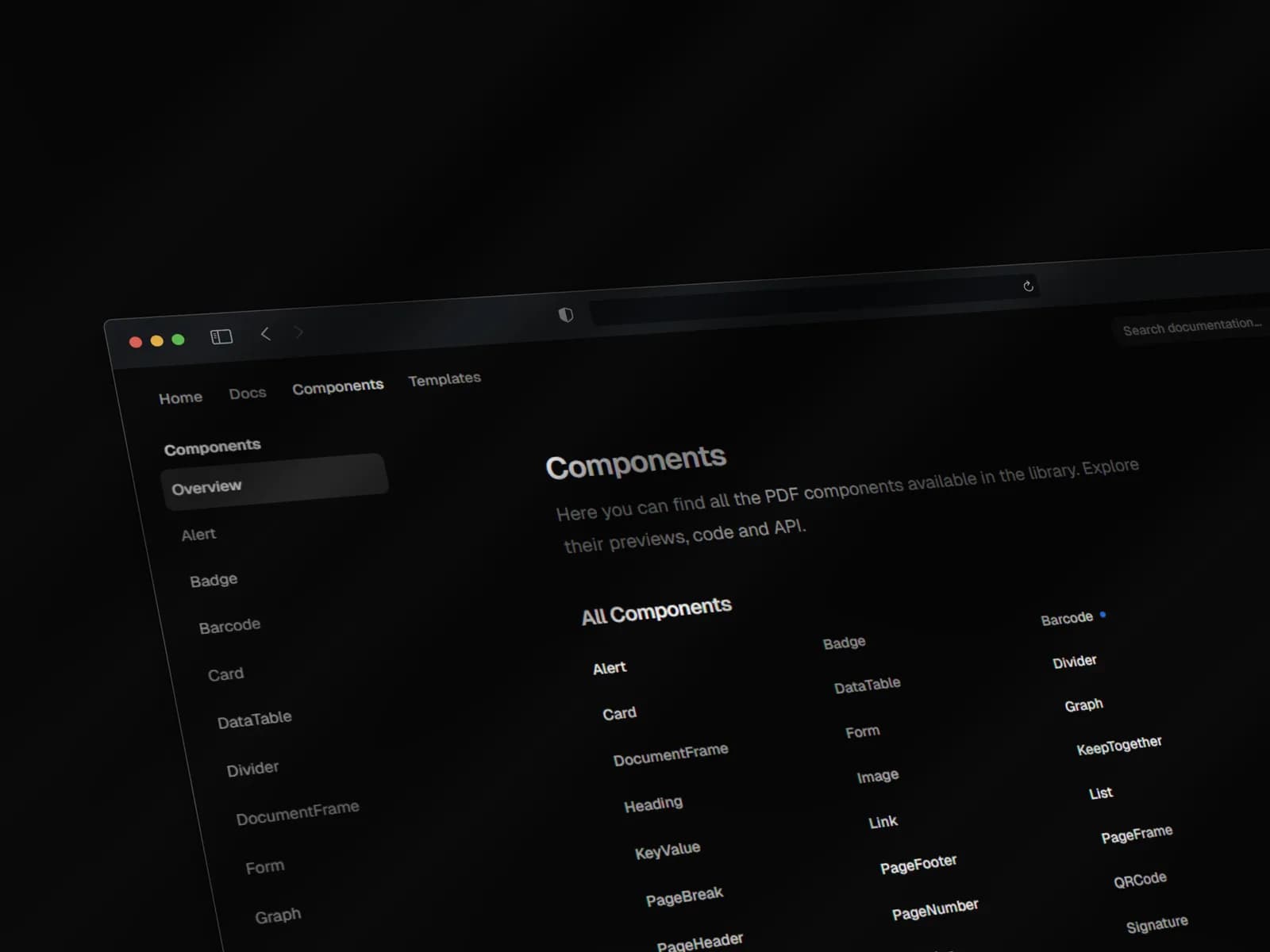
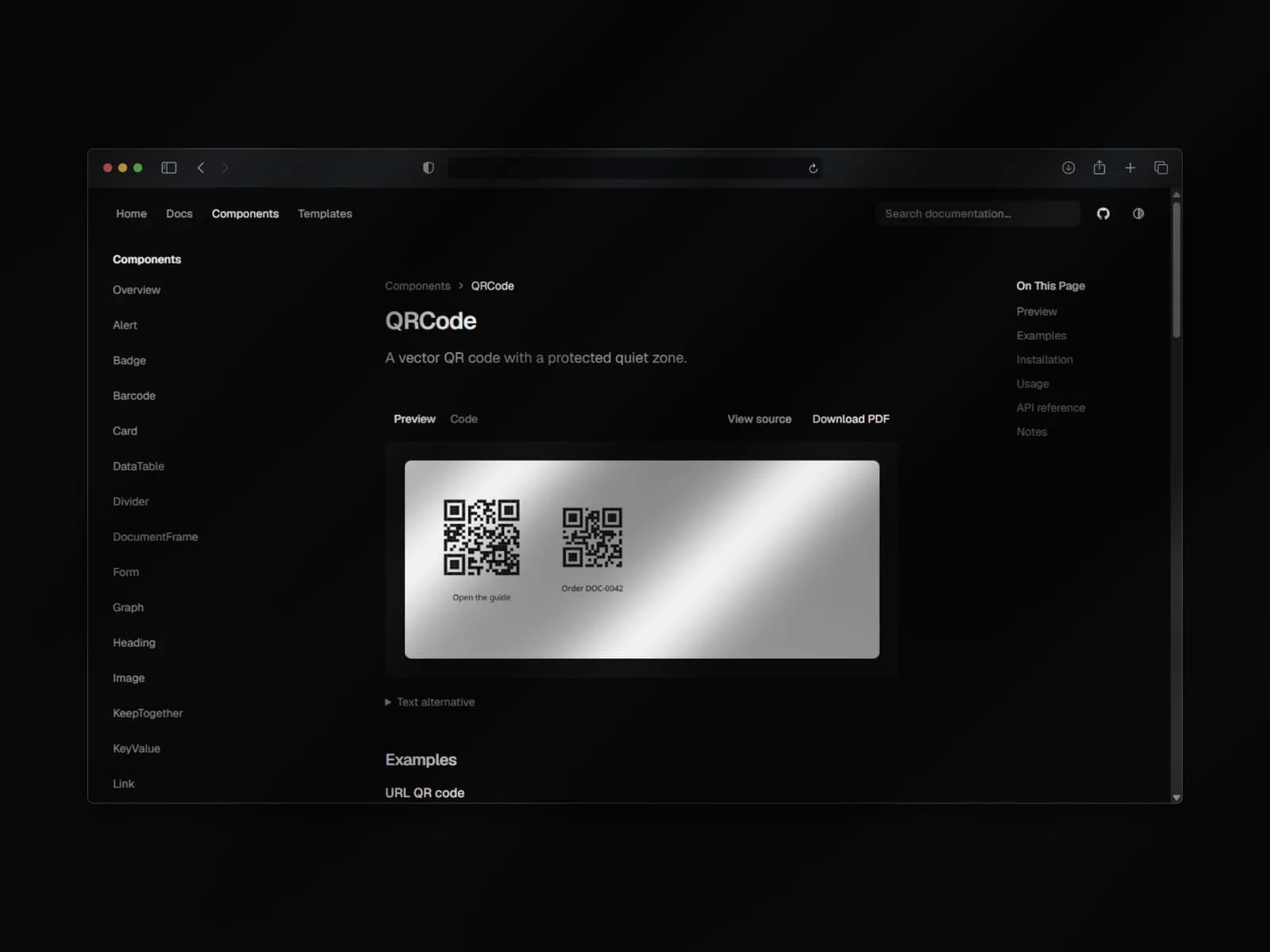
Making the tool understandable
The hardest part was not rendering a PDF; it was the developer experience around it. As the author, the model felt obvious to me. The documentation had to make installation, composition, physical constraints, and customization understandable to someone arriving for the first time.
Each public component page therefore connects a real PDF preview with its purpose, typed API, usage, limitations, install command, and source. Verification also covers actual PDF geometry, browser journeys, and installations in isolated React/Vite and Node/TypeScript projects.
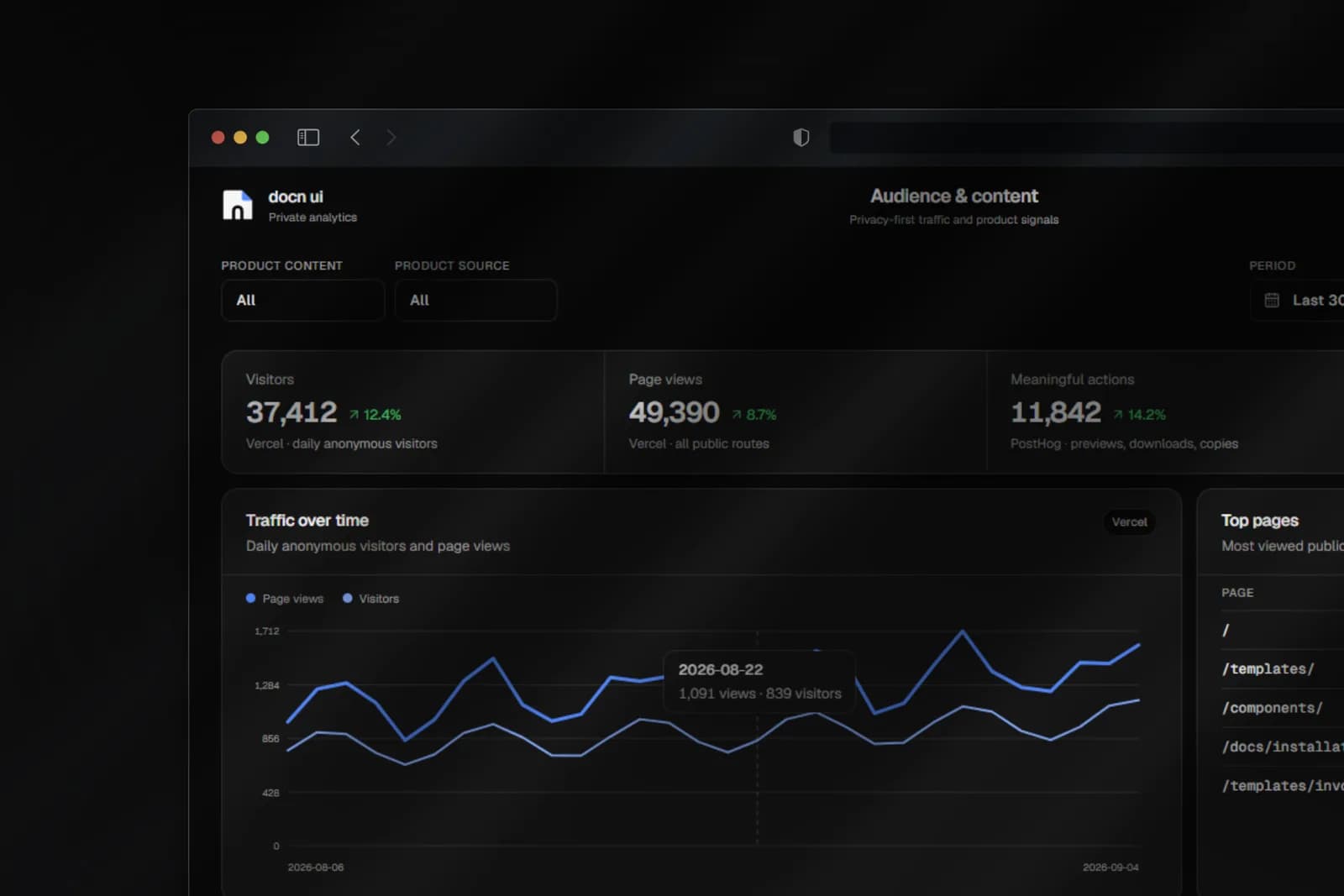
Measuring usage without profiling visitors
The public site combines two complementary analytics layers. Vercel Web Analytics anonymously measures page views, routes, countries, and referrers. PostHog records only a limited set of useful actions—previews, downloads, copies, and install intent—in cookieless mode, with autocapture, user profiles, and session replay disabled.
A separate private dashboard built with Next.js and shadcn/ui queries aggregates from both providers on the server without attempting to join their visitors. It can also export a PDF report composed with docn-ui’s own building blocks.

A functional public beta
The current beta contains 18 templates across invoices, receipts, CVs, reports, badges, and business cards. The result I value most is that these dense compositions can now be assembled from explicit, reusable parts instead of being rebuilt as one-off layouts.
The next priority is clarity rather than feature count: make the documentation easier to enter and add components only when real use cases justify them. Building docn-ui also made me more deliberate about designing tools for other developers, not only applications for end users.